¶ Download the app here...
|
 ...download our training PowerPoints |
|
¶ ...or use the web version
The TAP web site: tap.tennis
¶ Introduction
Axnosis TAP (Tennis app) is the new mobile app that will enable clubs, club members, club committee members and regional governing bodies to deliver “on the move” practical functionality.
The app was also developed as a Progressive web app (‘PWA’). A Progressive Web App (PWA) is a website built with modern web technologies that provides an app-like experience, allowing users to install it on their device, work offline, send push notifications, and use device features like the camera or geolocation. PWAs combine the broad reach and discoverability of websites with the rich, integrated functionality of native mobile apps, all from a single codebase that works across multiple platforms. Having said that, the app will be centrally hosted on a server and can be installed locally on a mobile device.
So in essence, the web…but better!
The TAP web site is available via this link: tap.tennis
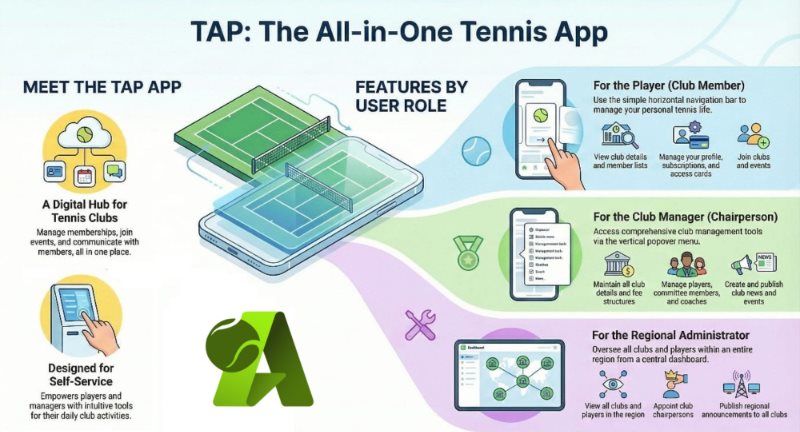
The app is designed with players in mind...self-service type app. For the cutover (go-live), certain master data elements (Clubs) will be imported directly into the database via an upload with an Axnosis technical software engineer. Go-live is planned for early 2027.
¶ Concepts
Roles are predefined sets of permissions defining what actions a logged in user can perform and which data they can access within TAP. The following roles exists:
|
Club member (player) |
Identified in the app with a Tennis ball icon. Player functions are available via the Horizontal bar. |
|
Team captain (player) |
Identified in the app with a Airplane icon. Player functions are available via the Horizontal bar. |
|
Club coach (player) |
Identified in the app with a Dumbbell. Club manager functions are available via the Vertical popover. |
|
Club manager (chairperson) |
Identified in the app with a Medal icon, also known as the “badge of courage”. Club manager functions are available via the Vertical popover. |
|
Club board member |
Identified in the app with a Gear icon. Committee functions are available via the Vertical popover. |
|
Admin (regional dude) |
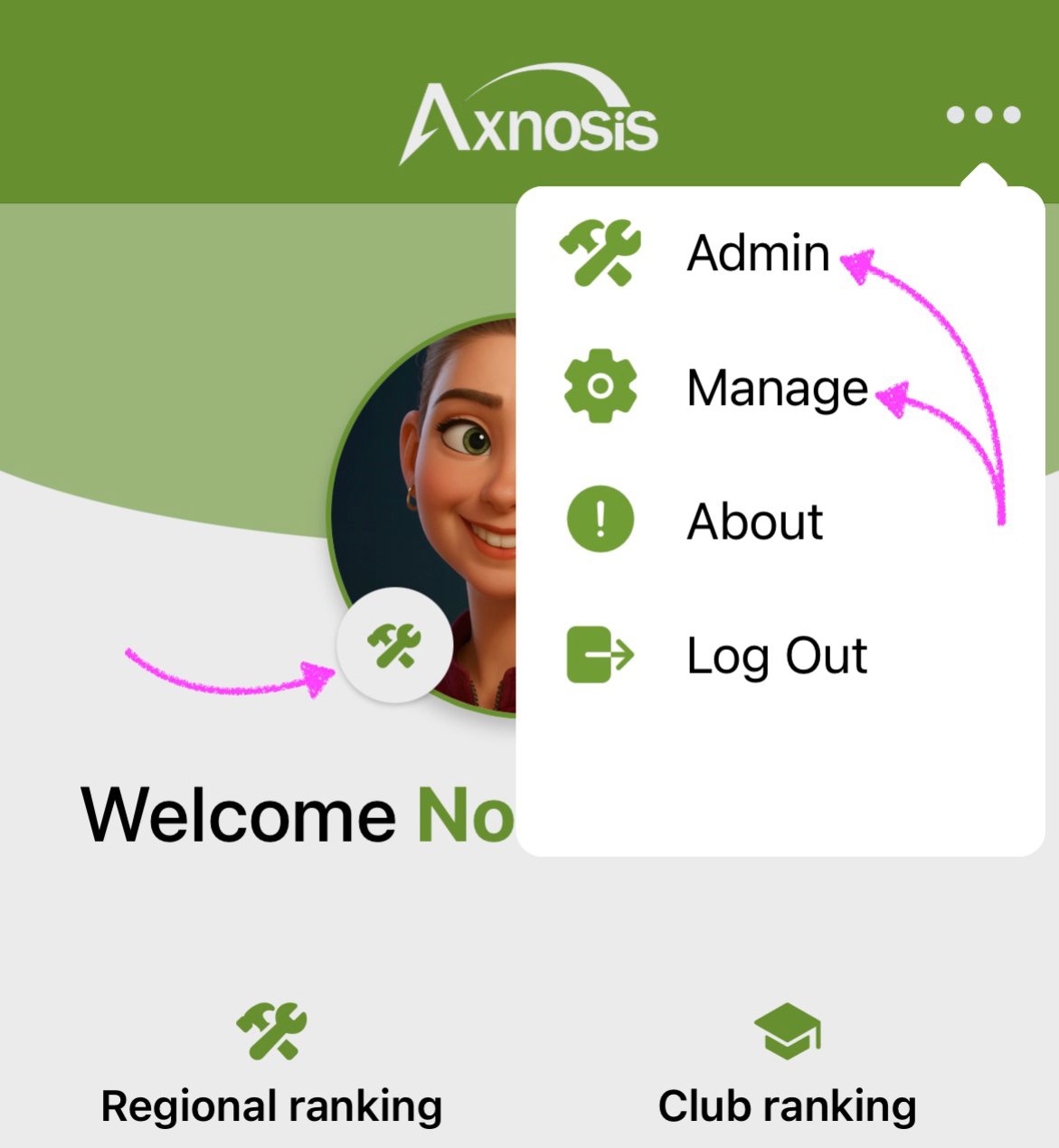
Identified in the app with a Tools icon. Regional administrator functions are available via the Vertical popover. |
|
Guest |
Identified in the app with a Fastfood icon. Limited player functions are available via the Horizontal bar. |
A "tennis region" normally refers to a geographical area for local play (like USTA sections in the US or provinces in South Africa), continental bodies for international governance (like Tennis Europe), or specific tournament zones (like the AUSC Region 5 Games). In South Africa, where you are, it relates to provincial bodies like Free State Tennis or national structures under Tennis South Africa (TSA) and regional events like the Southern Africa 12 & Under title.
Four (4) types of user generated messages are available. 1st; as a player users can "report" an incident per club facility. 2nd; players can also send messages to a committee member or to a coach. 3rd; group members can send messages to the group. 4th; a club manager can broadcast/announce a message to all members of a club.
Players can use the Message tile (on the Home tab) to navigate and view all messages that are applicable to the player.
For user generated messages TAP does check for foul language and other inappropriate words. Posting of chats will not be allowed if certain words are used. In addition users can report messages as "bad". Regional administrators will have the ability to reverse wrong "reports".
TAP will automate functions via server-side “batch” jobs. These batch jobs will execute daily at midnight. This automation will ensure that minimal effort is required from club managers to maintain subscription details. The following functionality forms part of the automation (recurring stuff):
- Club Year-end: if a club Year-end date has been reached, the system will automatically extend the new year-end date for a club.
- Club subscriptions: secondly, all club subscriptions for the club mentioned above will automatically receive a new financial year entry to renew the club fees for the next year.
- Payment status: the payment status for all player subscriptions associated with the club mentioned above, will be set to “Pending”. This assumes all current players will be renewing their memberships. For the "2 or 3" people leaving a club, managers can remove them.
- Event status: event statuses are updated based on the current date (system date).
- Reported messages: any messages reported by users as "unpleasant". These mesages are also removed from the DB.
- Birthday notifications: players will receive a birthday message on their birthdays.
- Club meetings: the status of club meetings is updated according to the date:
- Concluded: any date in the past
- Active: between yesterday and now
- Planned: any date in the future
Also see section below on Automated notifications.
¶ Terminology
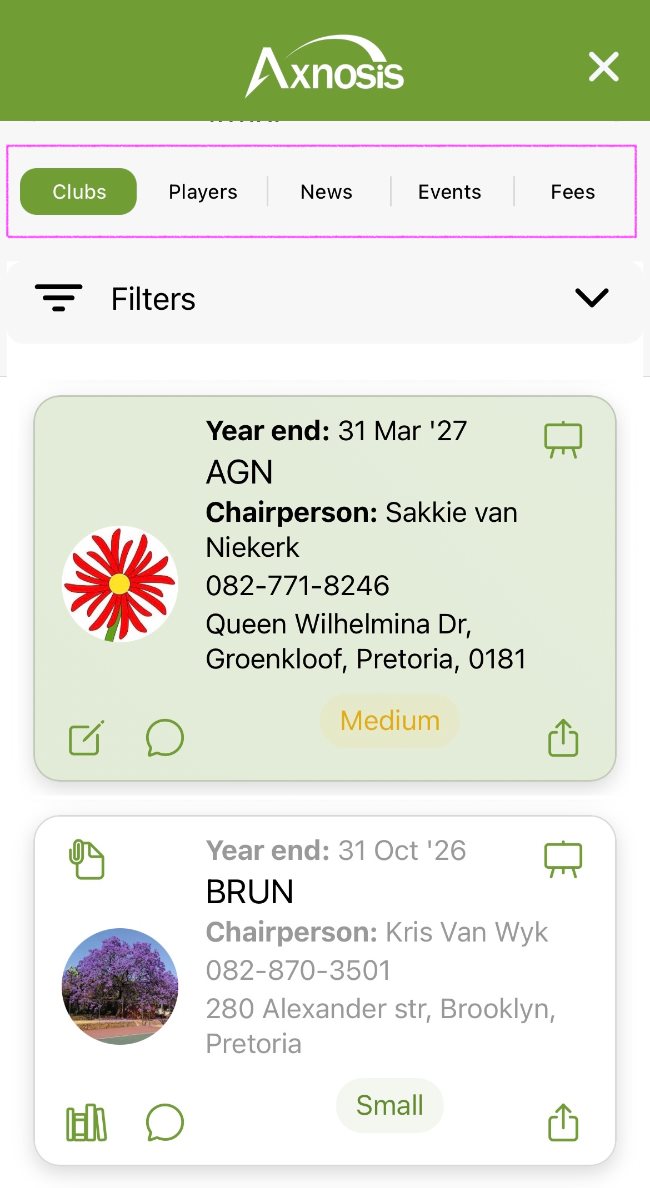
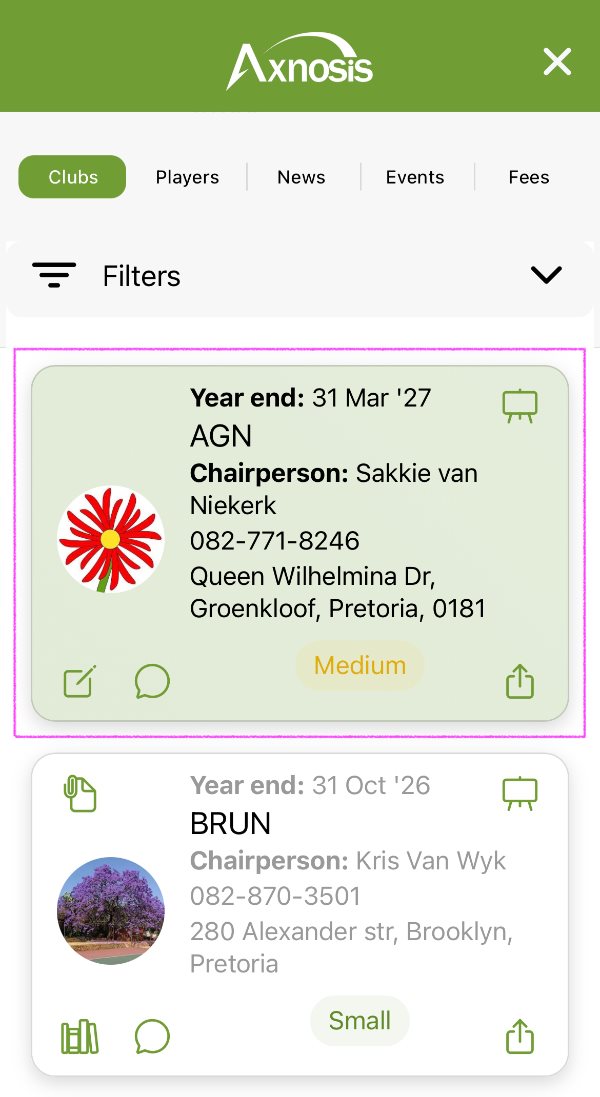
| Tabs / Segments | Cards |
|---|---|
 |
 |
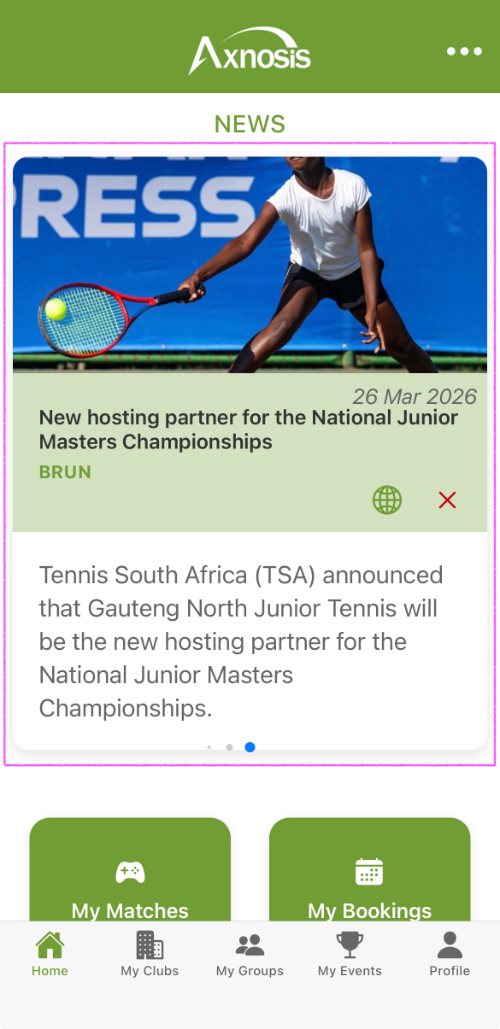
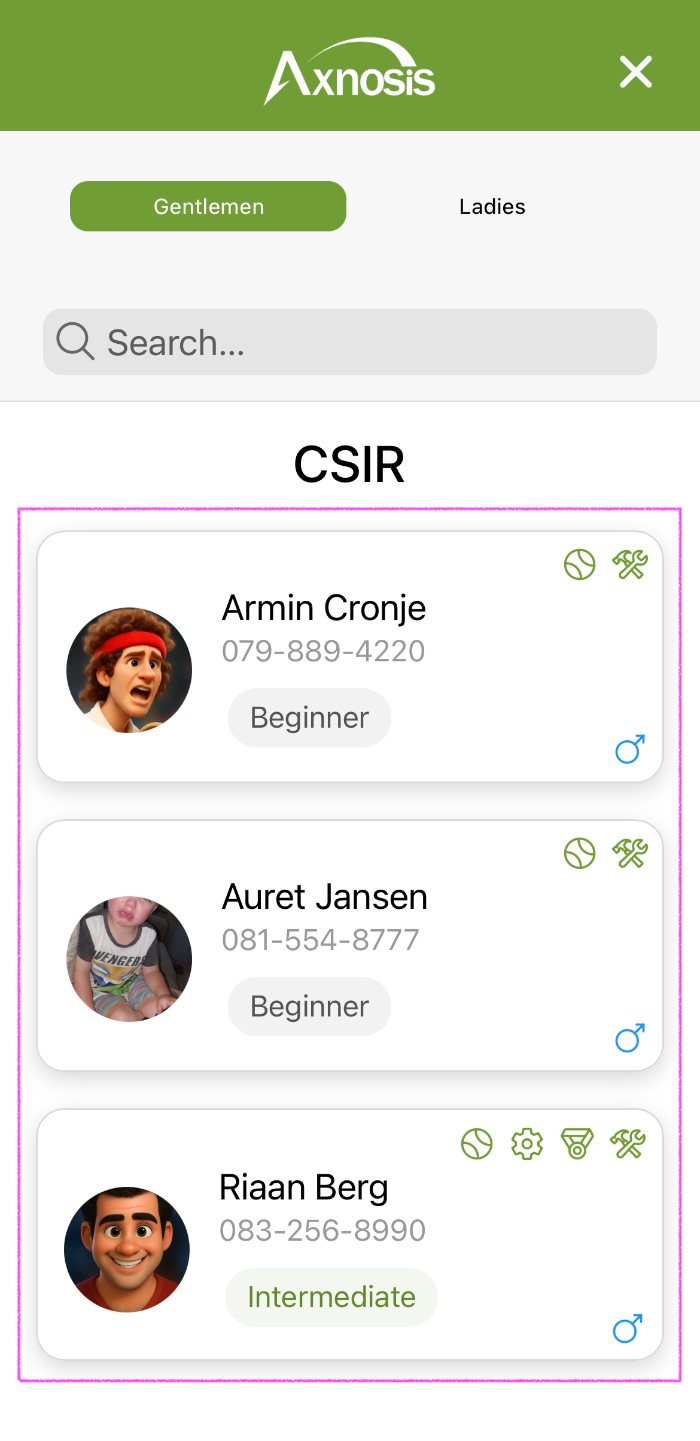
| Media cards | Lists |
|---|---|
 |
 |
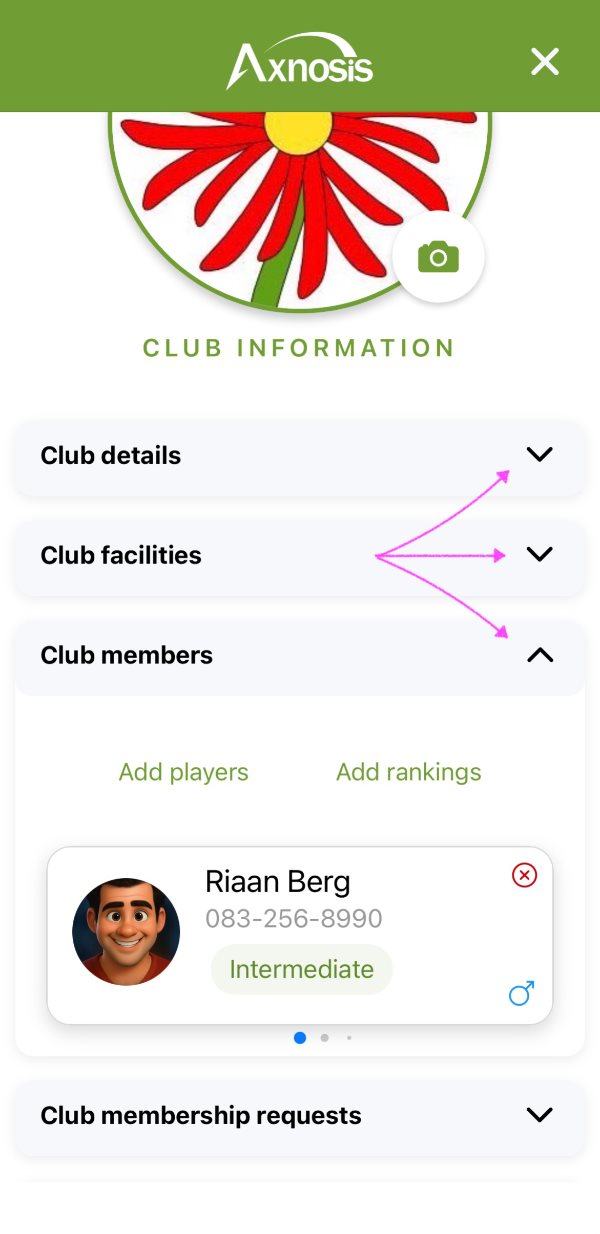
| Accordions | Swipes |
|---|---|
 |
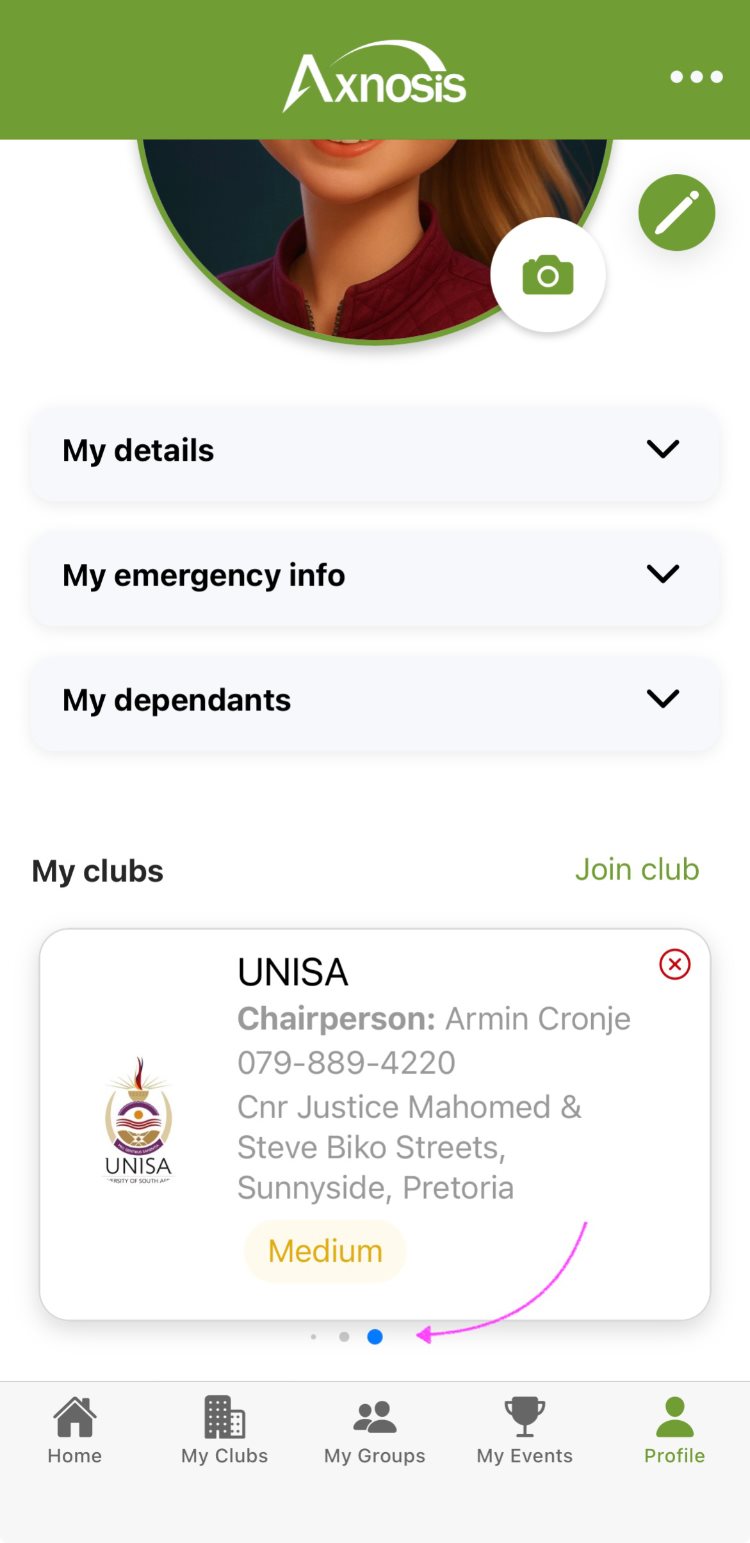 |
| Popovers | Tiles |
|---|---|
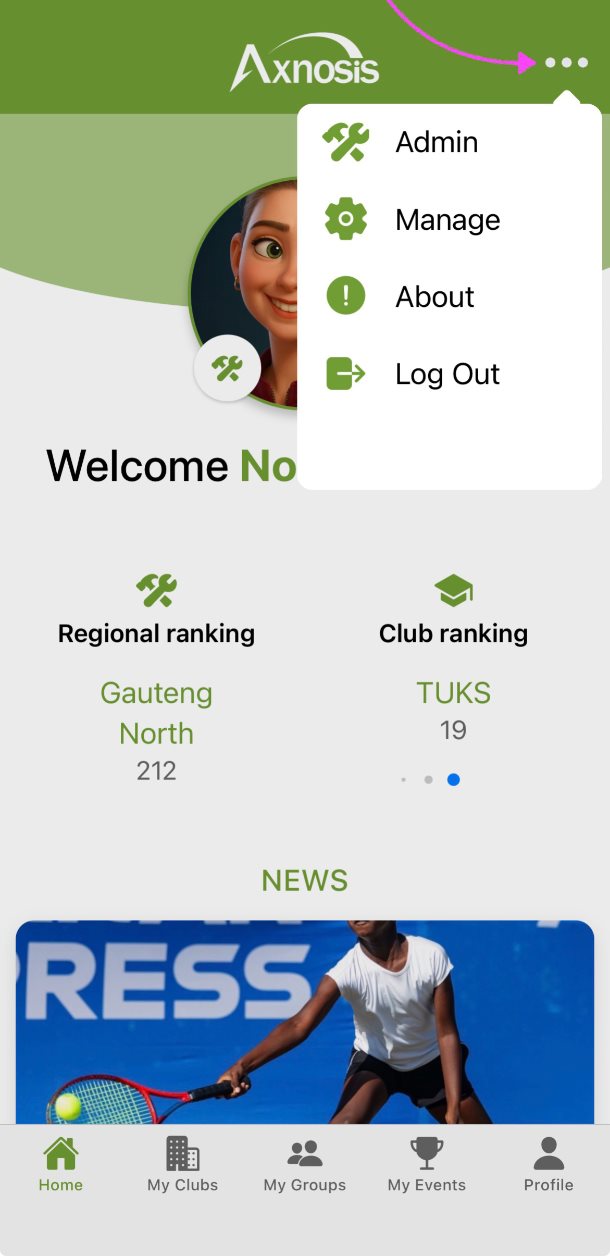 |
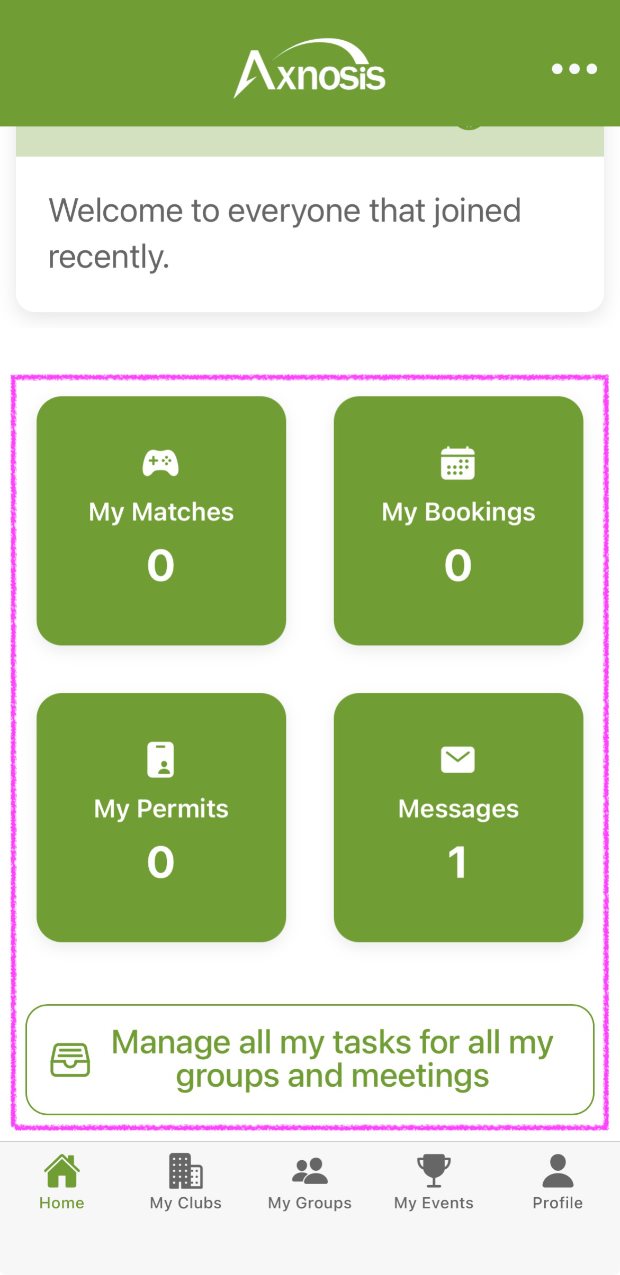 |
| FABs (floating action buttons) | ABs (action buttons) |
|---|---|
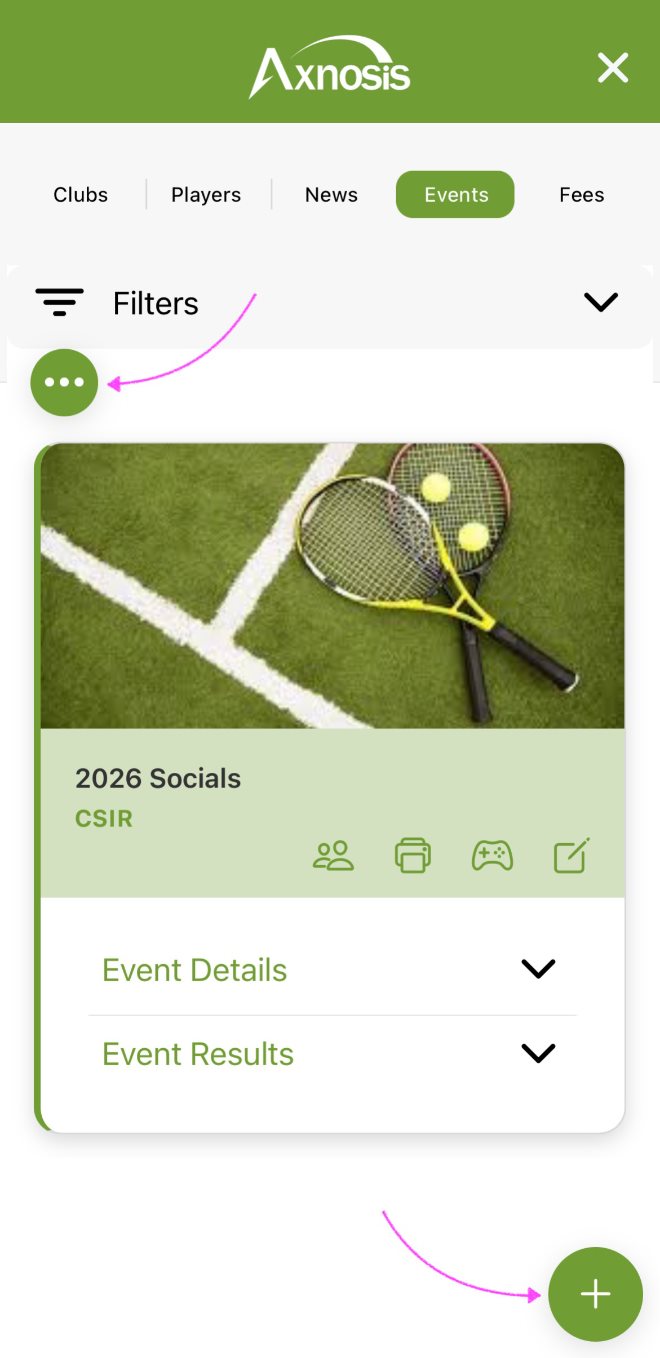 |
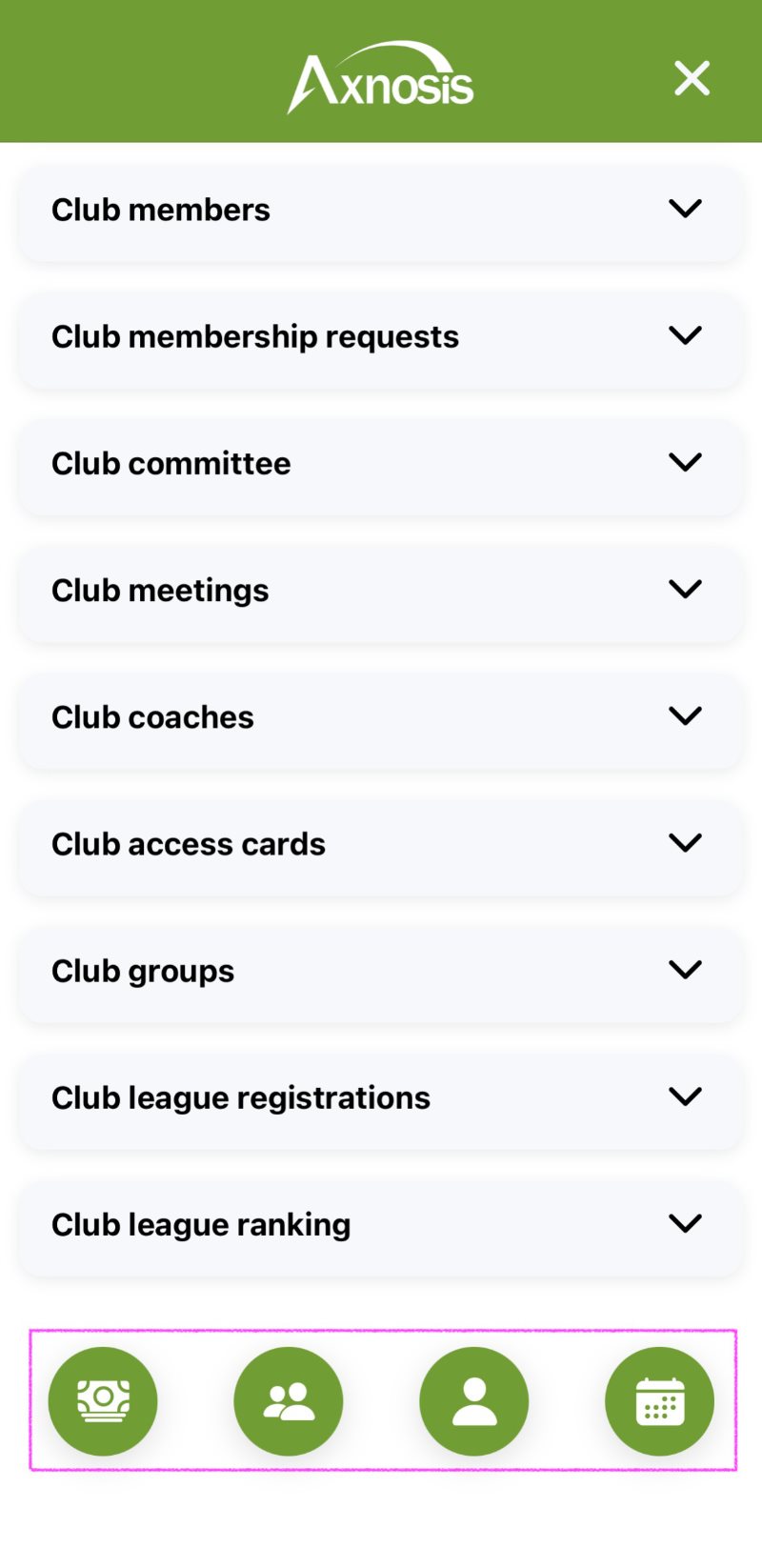 |
| Icons | Phone numbers & links |
|---|---|
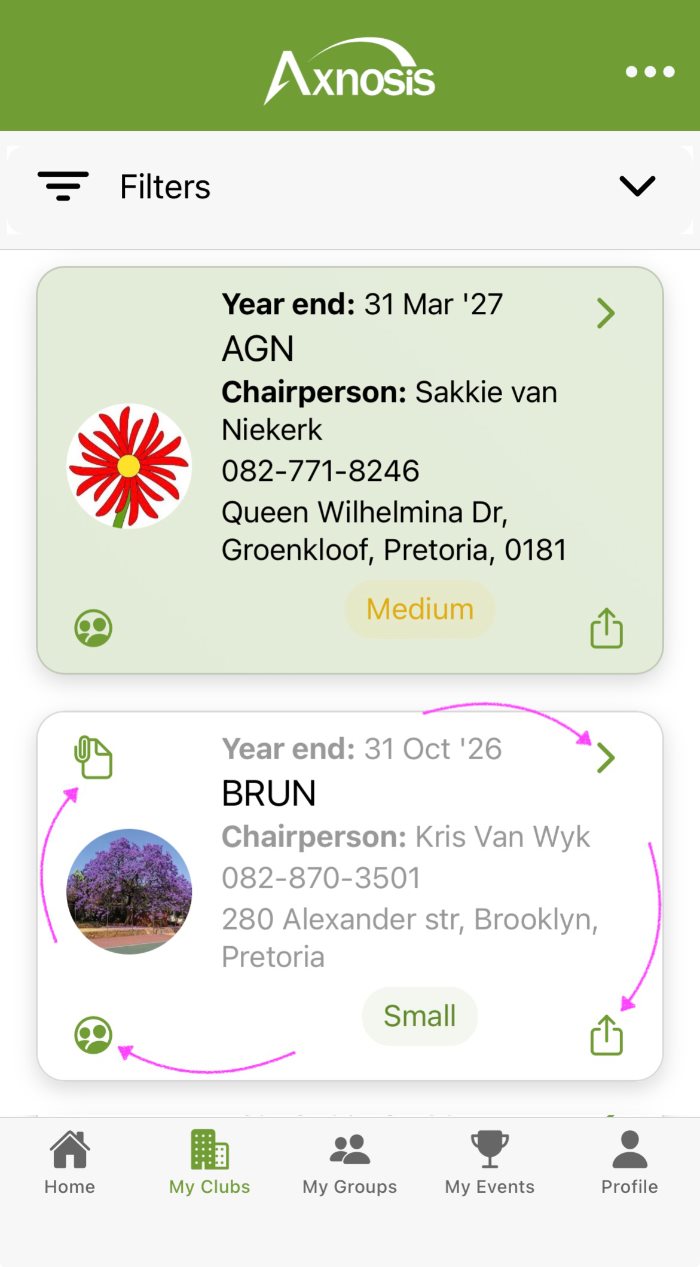 |
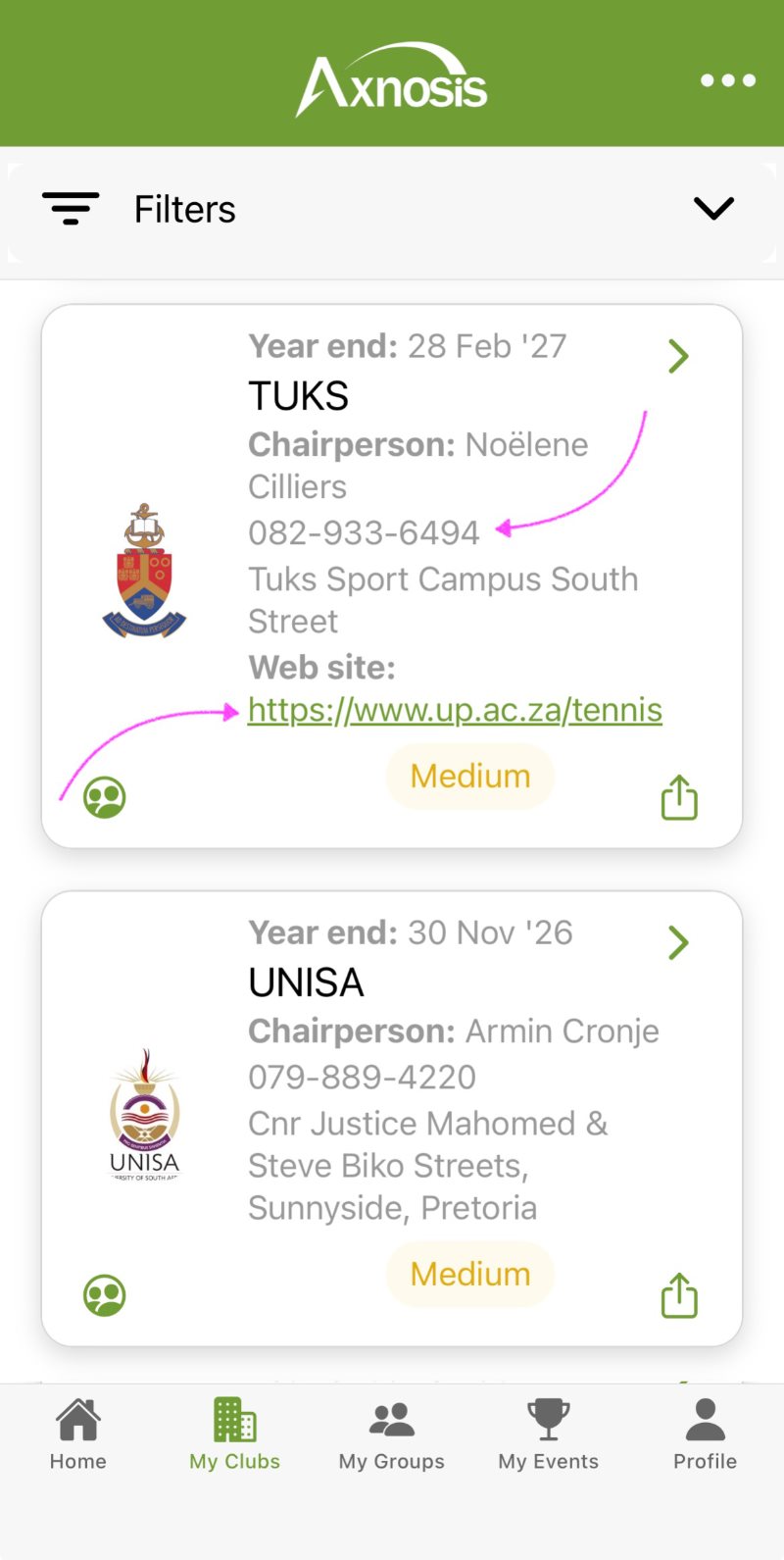 |
¶ Navigation
Two main navigation paths exist in the app:
- Club members; horizontal
- Club managers & regional administrators; vertical
¶ Club members
a. Players (club members) will use the icons/tab buttons at the bottom of the app (horizontal)
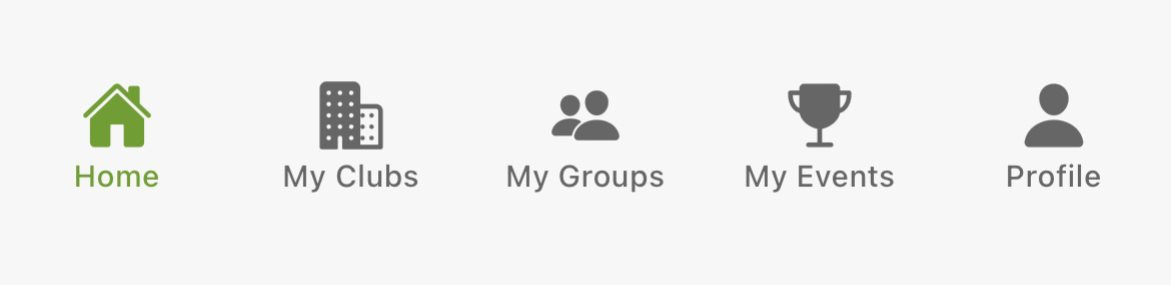
The details and step by step guide for club members options are found in the far left vertical navigation menu of this wiki page. Refer to:
- Home tab/page section.
- 1. CORE MEMBER FUNCTIONS section.
¶ For managers & administrators
b. Club managers and Regional administrators will use the Popover (vertical navigation). For the individuals who are also club members, these users (individuals) will use both the vertical as well as the horizontal navigation paths.
| Popover | |
|---|---|
 |
|
¶ Launching the app
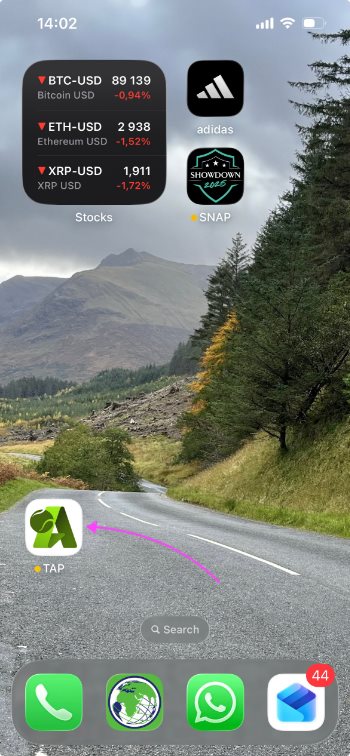
- To launch the TAP app, tap on the icon on your mobile device.
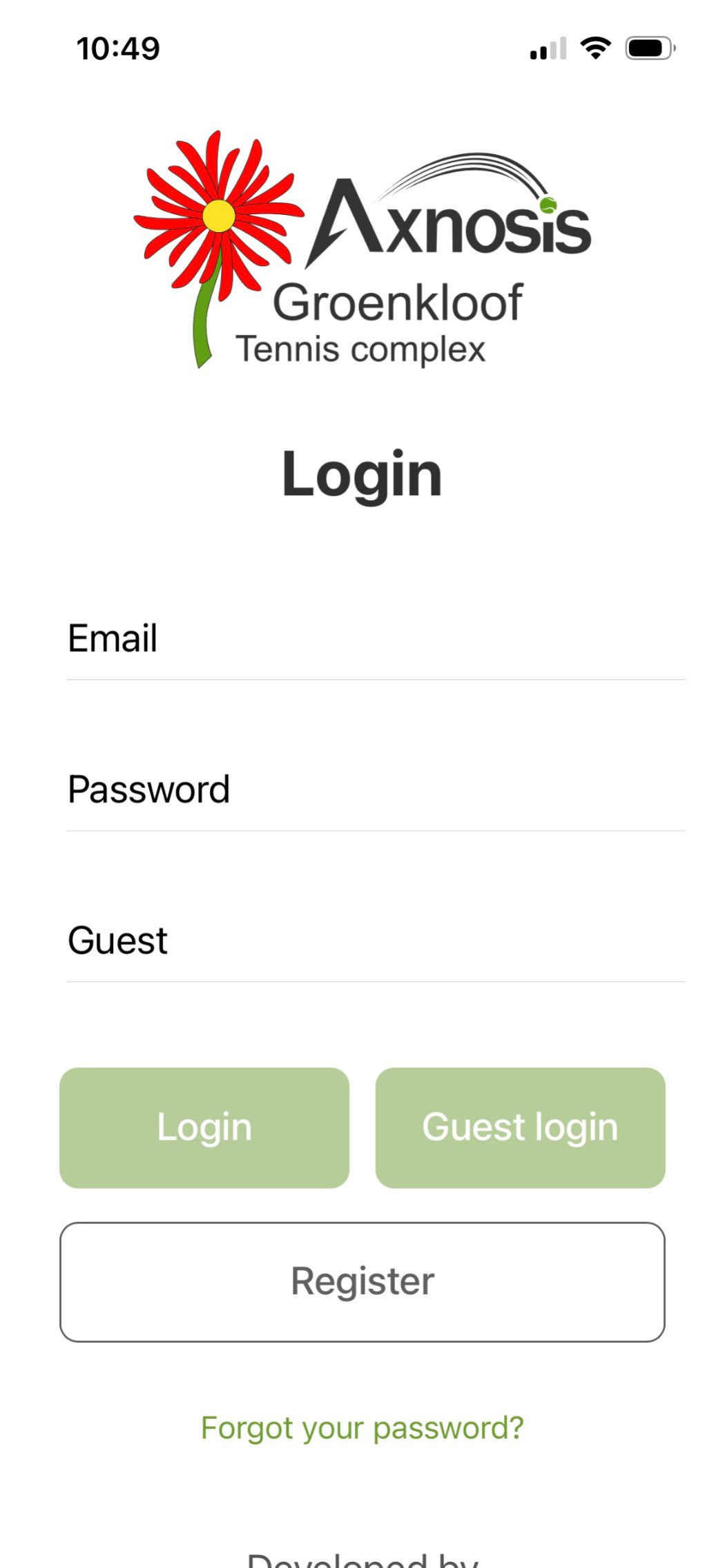
- This will open the Login/Register page.
| The Tennis App | Login |
|---|---|
|
|
¶ Guest user
¶ Login and limited functions
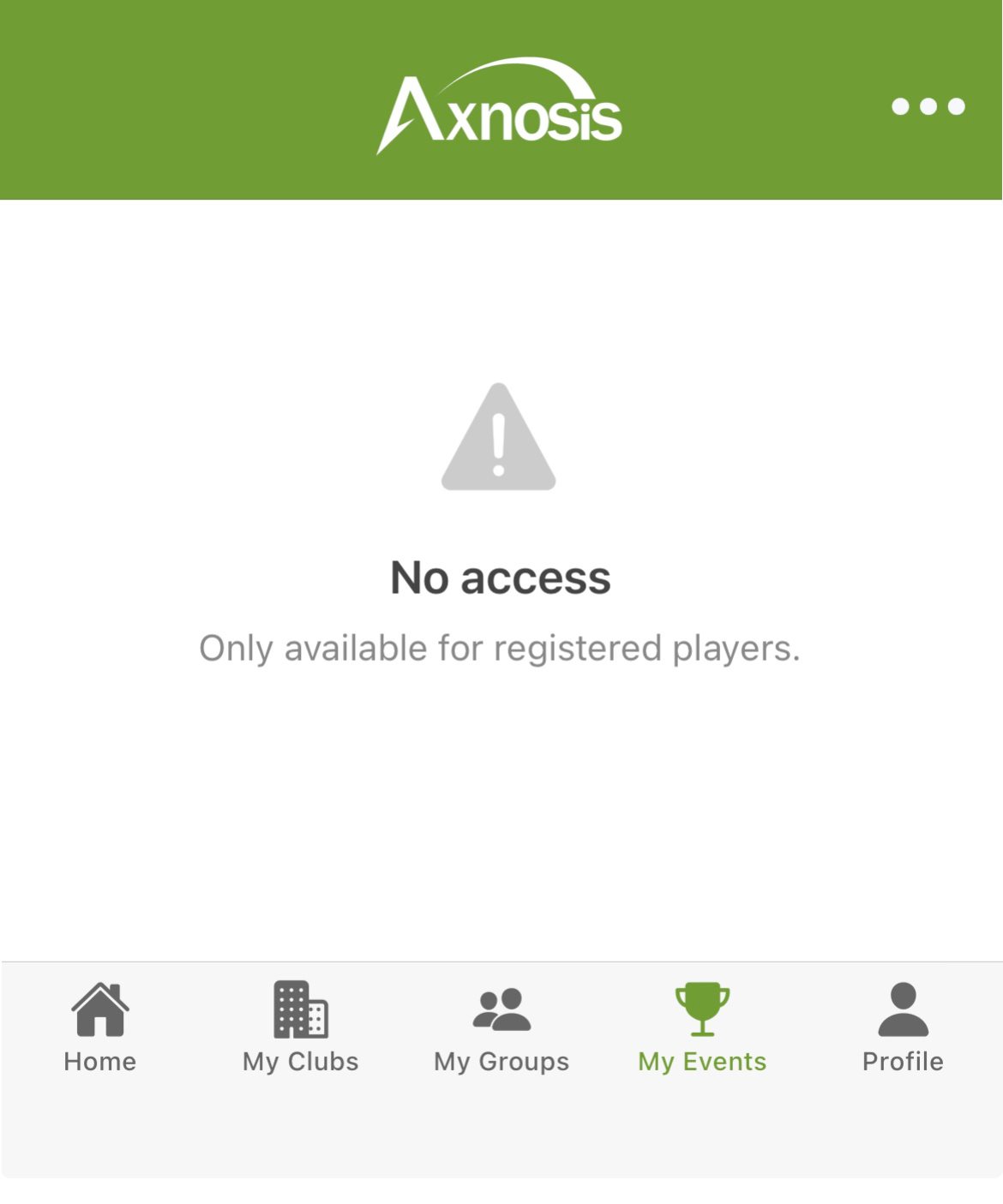
TAP allows users who have not registered as a player (or parent) to use the app. Limited functionality available to guest users include:
- On Home page view all regional news.
- See (and search) all clubs, schools and universities on the My clubs page.
- Share the details and download any attachments for a club.
- For a selected club, guests can drilldown into the detail and view Facilities, Committee members and Coaches.
- On the facility guest can book courts and report any incident.
- Finally can chat with committee and coaches.
Segments where features are limited, will be highlighted in the app:
¶ Player registration
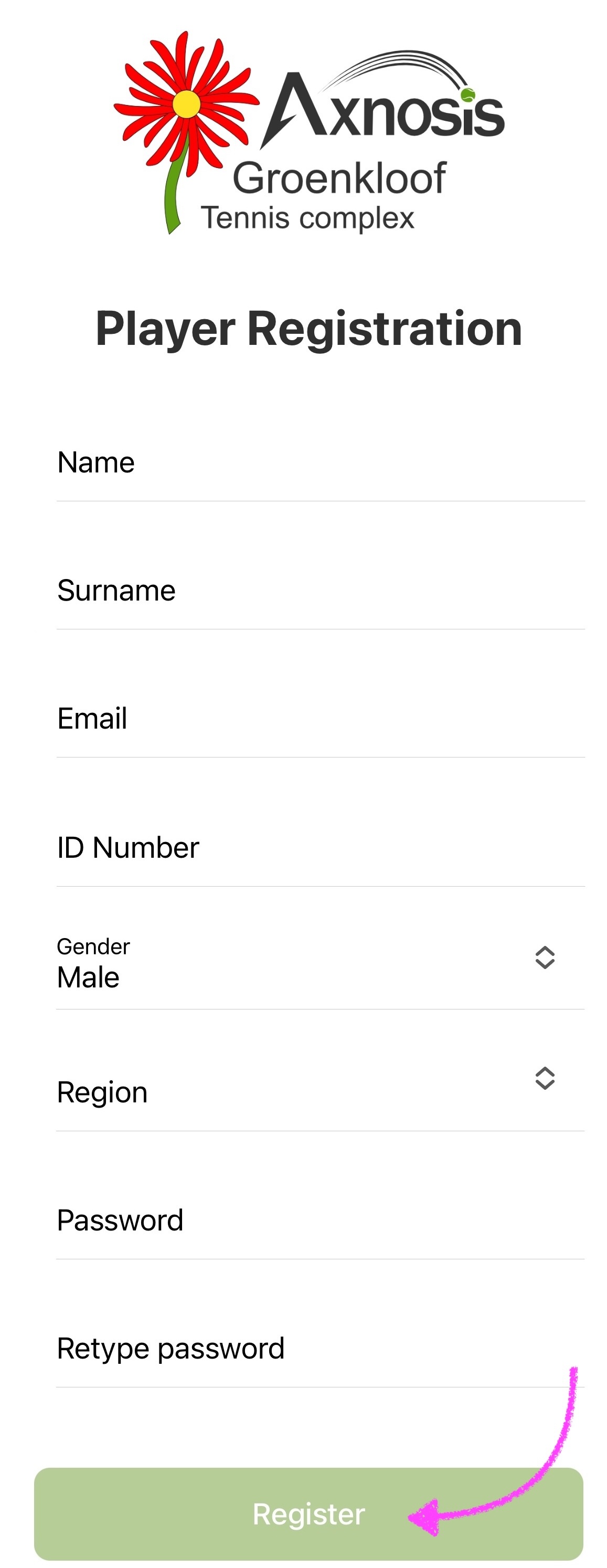
Tap on the Register button to register as a new player.
| Registration detail | TAP registration |
|---|---|
|
Enter the following:
Then retype password to confirm, and tap on the Register button. Mandatory fields are indicated with
|
 |
¶ Player agreement
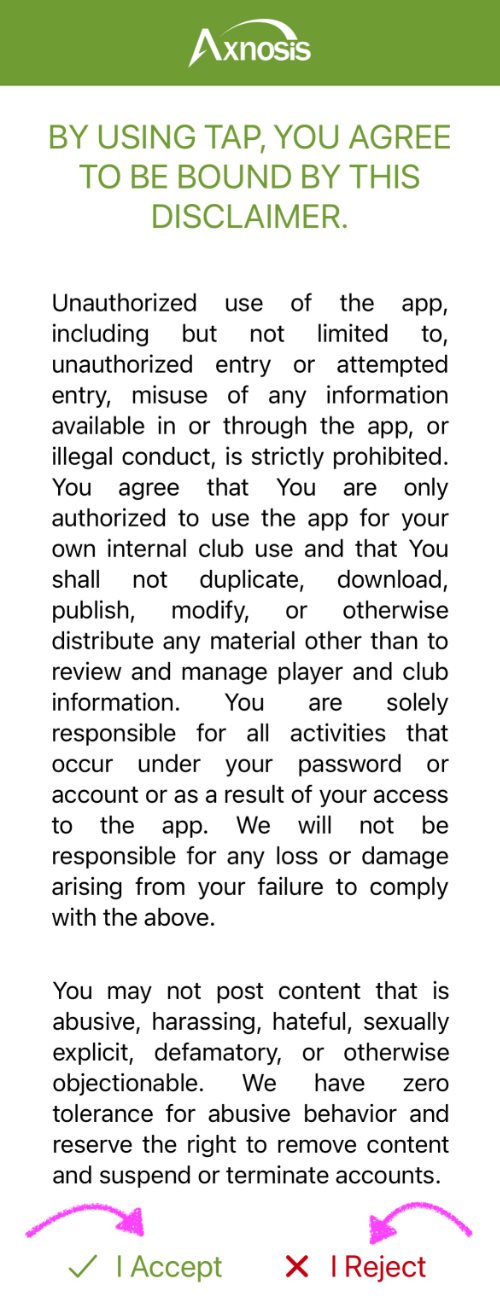
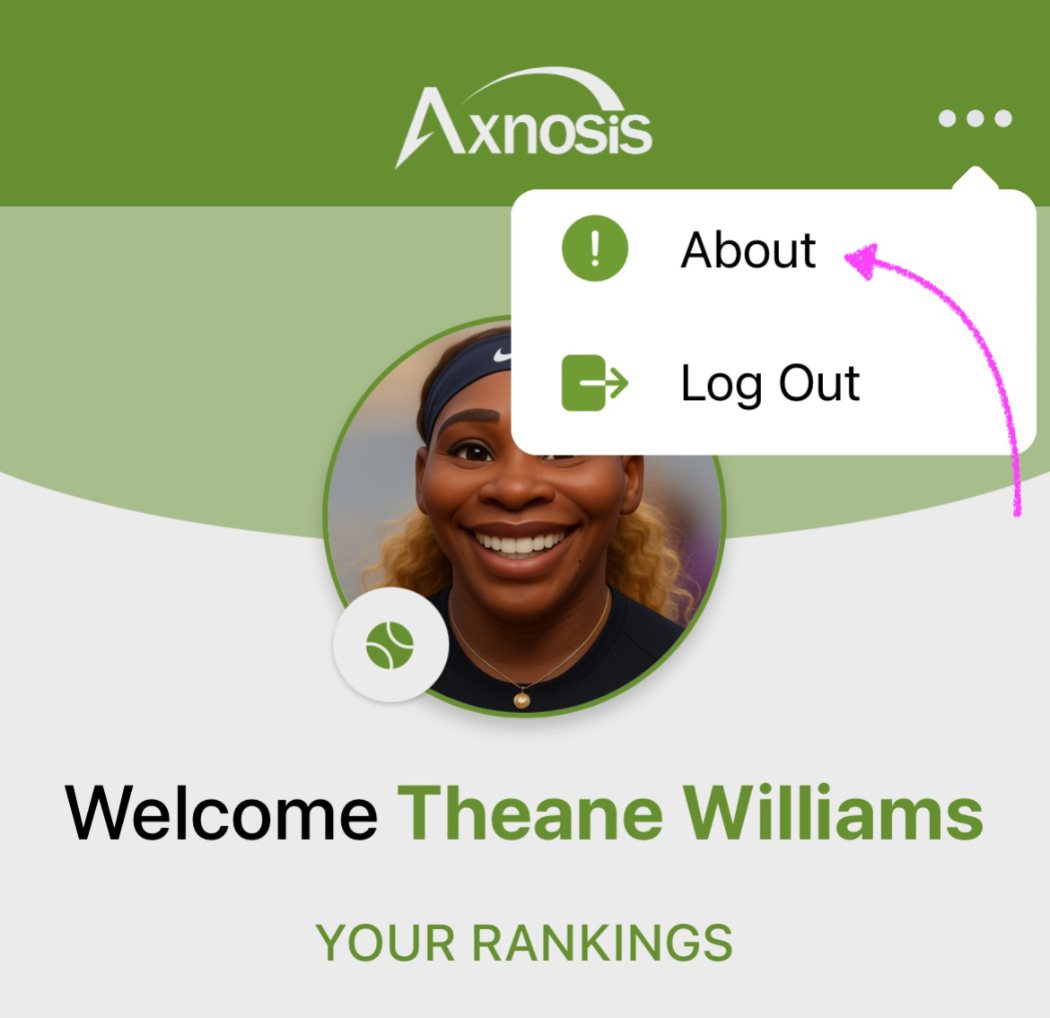
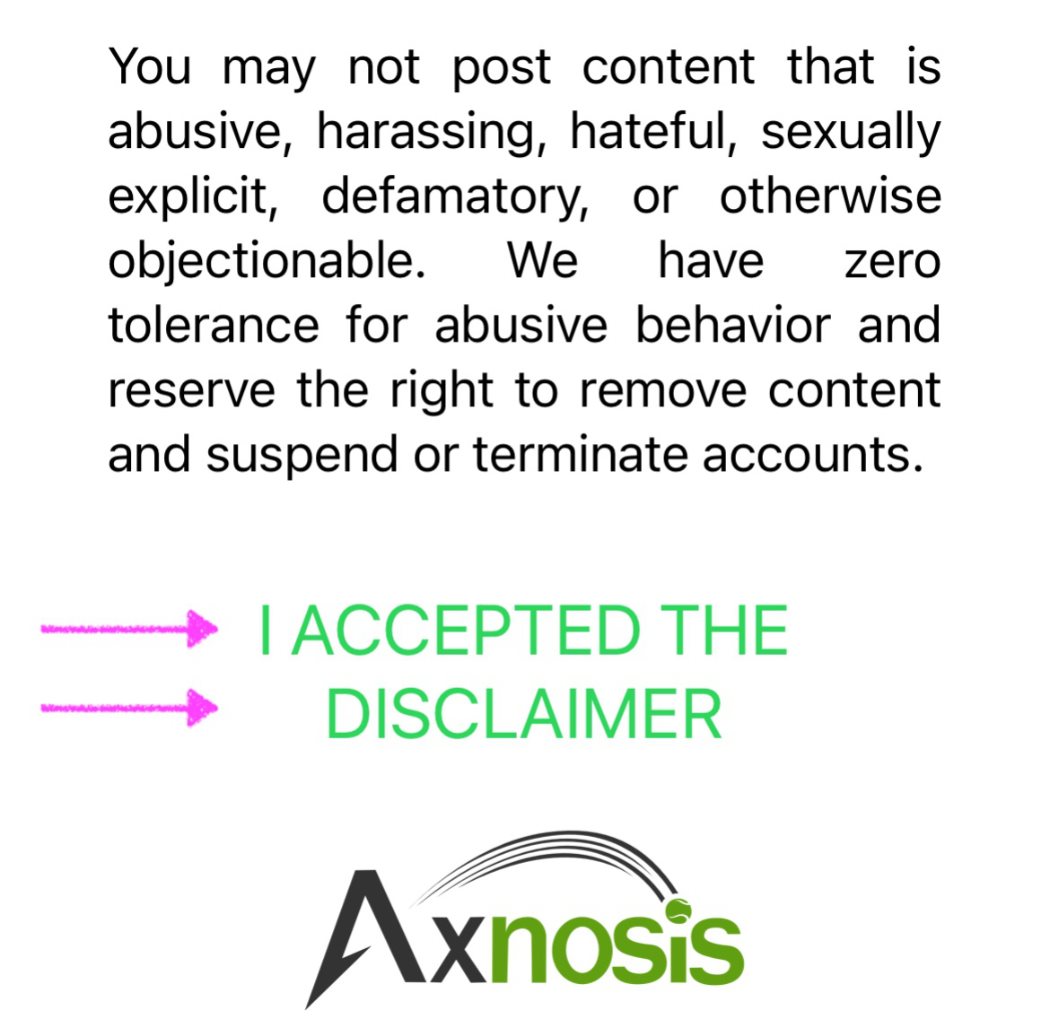
Tap on the About button inside the popover to see the agreement.
| About TAP | TAP agreement |
|---|---|
 |
 |
Tapping on the Axnosis logo at the top header (or bottom of the About screen), will open the TAP Wiki pages (training documentation).
¶ Player login
| 1st thing | Login |
|---|---|
|
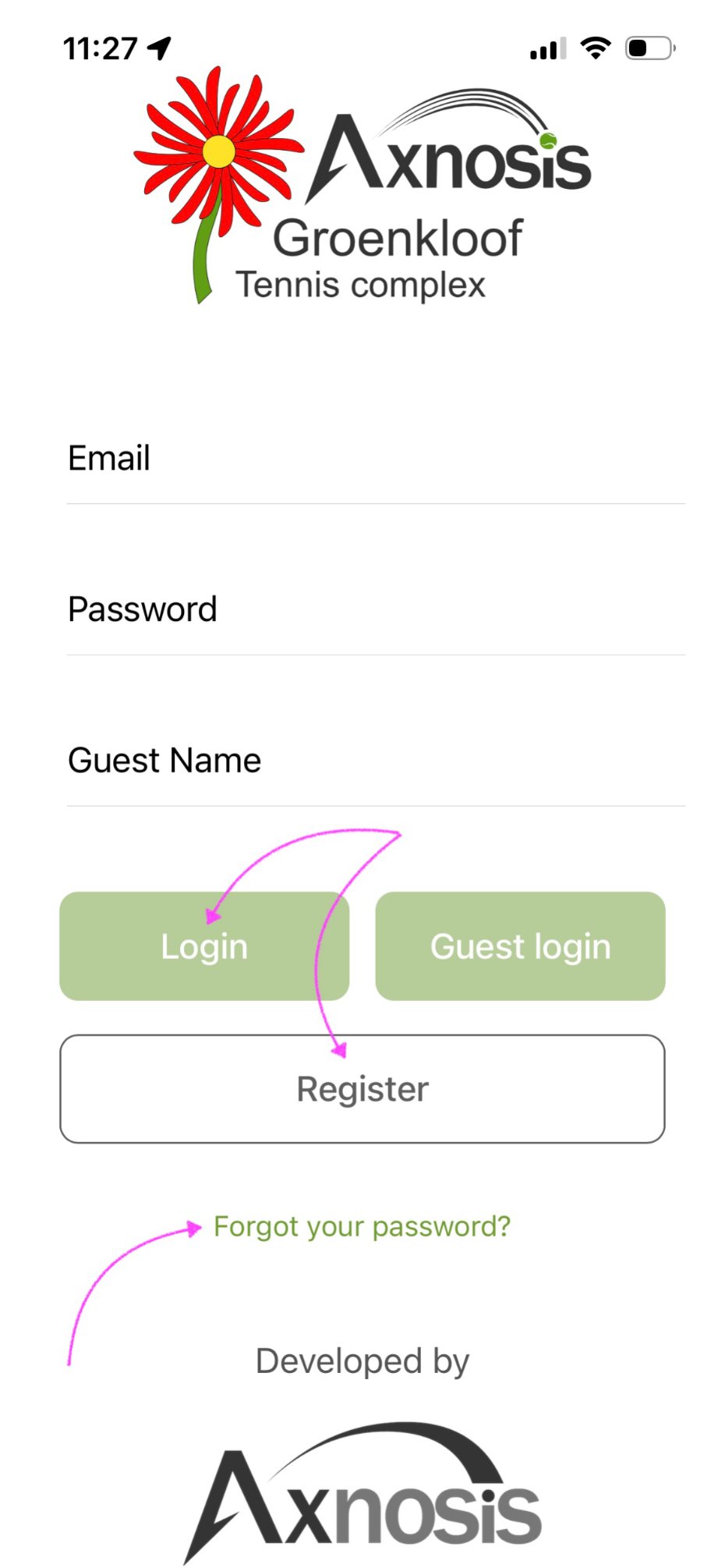
After registering as a new player as per above, the user can login via the Login page or for those with a very short memory they can reset their password.
|
 |
¶ Reset password
Refer to the above screenshot; if a user forgets their password, tap on Forgot your password? to reset password.
- Enter the ID Number used when initialy registered
- Enter a new password and retype it
- Click on Reset Password
¶ Automated notifications
The following push notifications are available from TAP when these actions are executed
| Actions | Description |
|---|---|
|
1. Adding members to club |
A notification will be sent to a player when a manager (committee member) added a player (or players in bulk) to its club. |
|
2. Update of subscription status (example below) |
A notification will be sent to a player when a status change occurs on a player's club subscriptions. |
|
3. Member request status update |
A notification will be sent to a player when a membership request submitted by the player has been approved or rejected. |
|
4. Update of access card status |
A notification will be sent to a player when a status change occurs on a player's club access cards. |
|
5. Player added to a group |
A notification will be sent to a player when he or she is added to a club or event group. |
|
6. Club & group messages |
A notification will be sent to a player when a club manager (committee member) announces something to the whole club or when a message is posted on a group of which the player is a member. |
|
7. Player messages |
A notification will be sent to a coach or to a club manager (or committee members) when a player chats to them, using the My clubs option. |
|
8. Facility incident reporting |
A notification will be sent to all committee members when an incident is reported against a club facility. |
|
9. Court/facility booking |
A notification will be sent to all committee members when a court booking is confirmed. |
|
10. Match scoring changes |
A notification will be sent to applicable players when score is entered/created and when a score is confirmed by another player. |
|
11. Meeting management |
A notification will be sent to all committee members when a meeting is created or cancelled. |
|
12. Player's role changes |
A notification will be sent to the player when his/her role was changed by the club manager. |
|
13. Player's birthday |
A notification will be sent to the player when it is his/her birthday. |
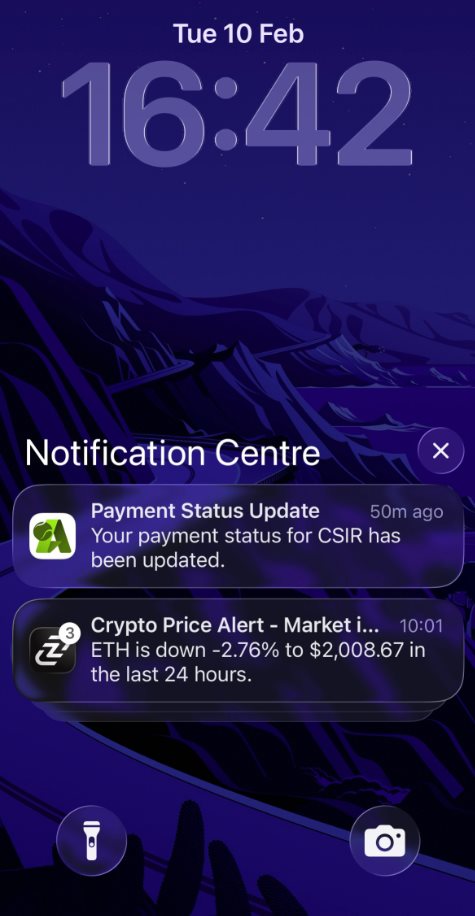
At the risk of stating the obvious, users must have notifications enabled on their device.
¶ Send ideas and suggestions
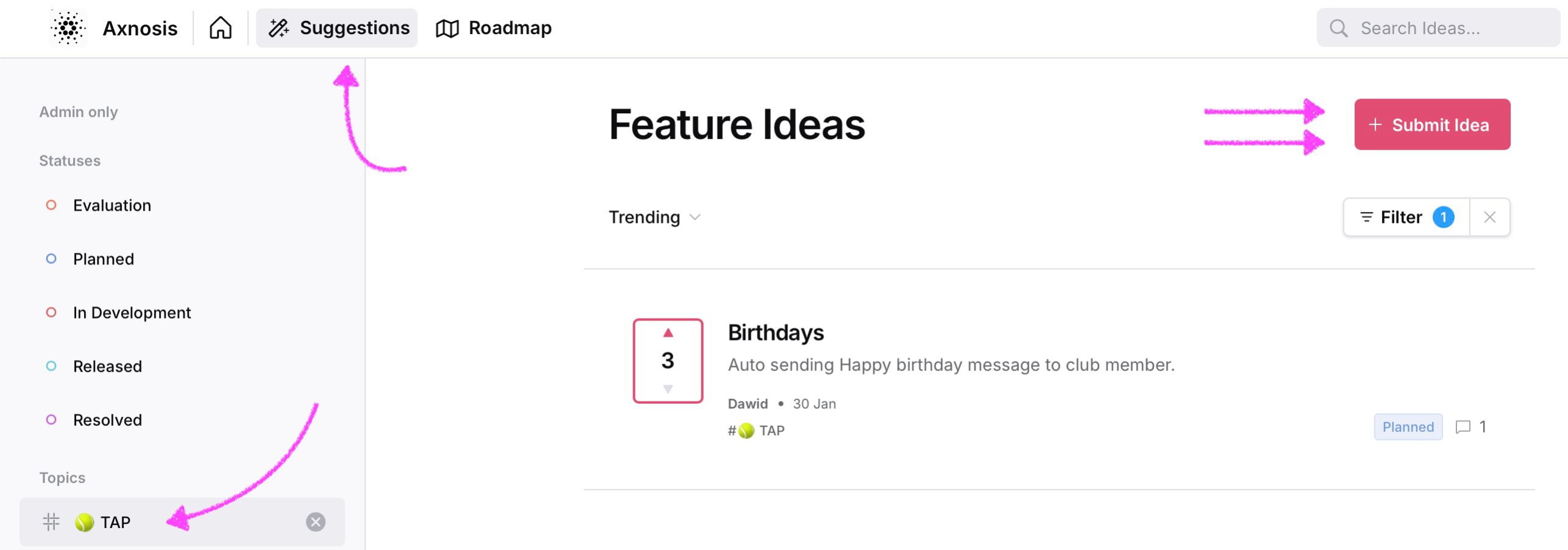
Any new ideas, suggestions or improvement requests can be logged on the ideas.axnosis.com site.
- Click on the Suggestions menu in the strip
- Select TAP Topics in the left vertical navigation menu
- Click on the Submit idea button
¶ One more thing

Privacy statement |

Legal-eagle stuff |
|

League rules |